🎉 Introducing Our New AI-Powered Feature: Text to Image
Mostrada
We’re excited to announce the launch of Text to Image, our brand-new AI feature that transforms your words into stunning visuals in just a few seconds.
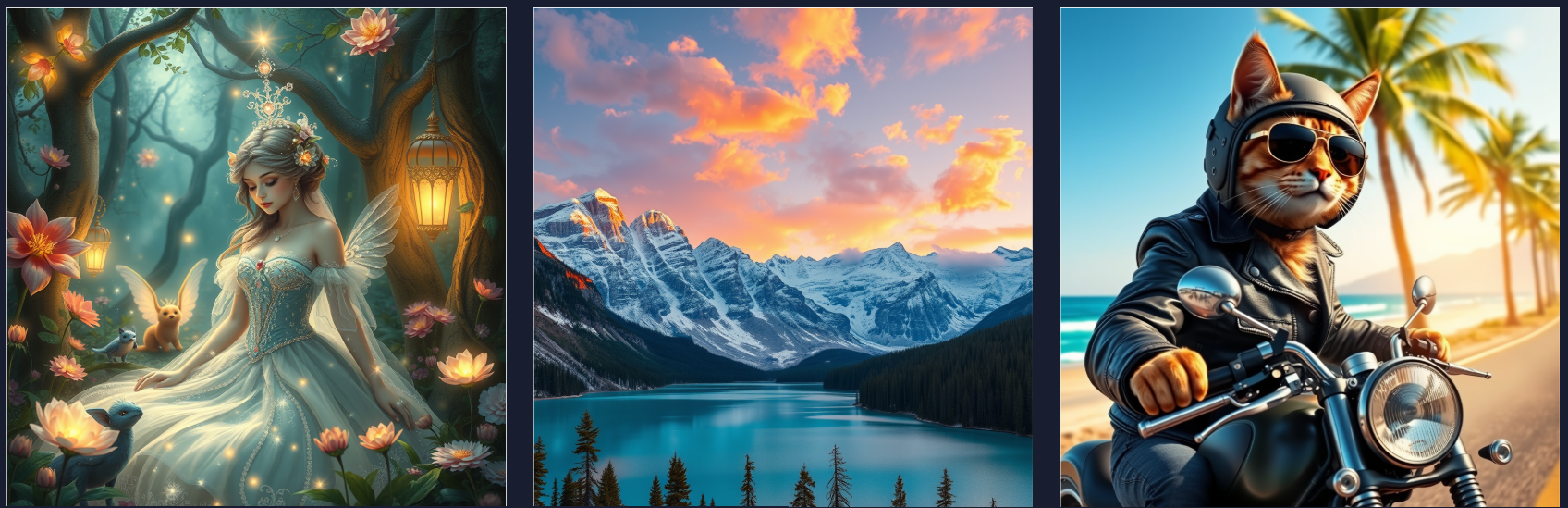
With Text to Image, you can describe what you imagine and let AI bring it to life in a wide range of styles — from cinematic photography and anime, to minimalism, pop art, and more. It’s all about exploring ideas and seeing where your imagination takes you.
✨ How to Get Started
-
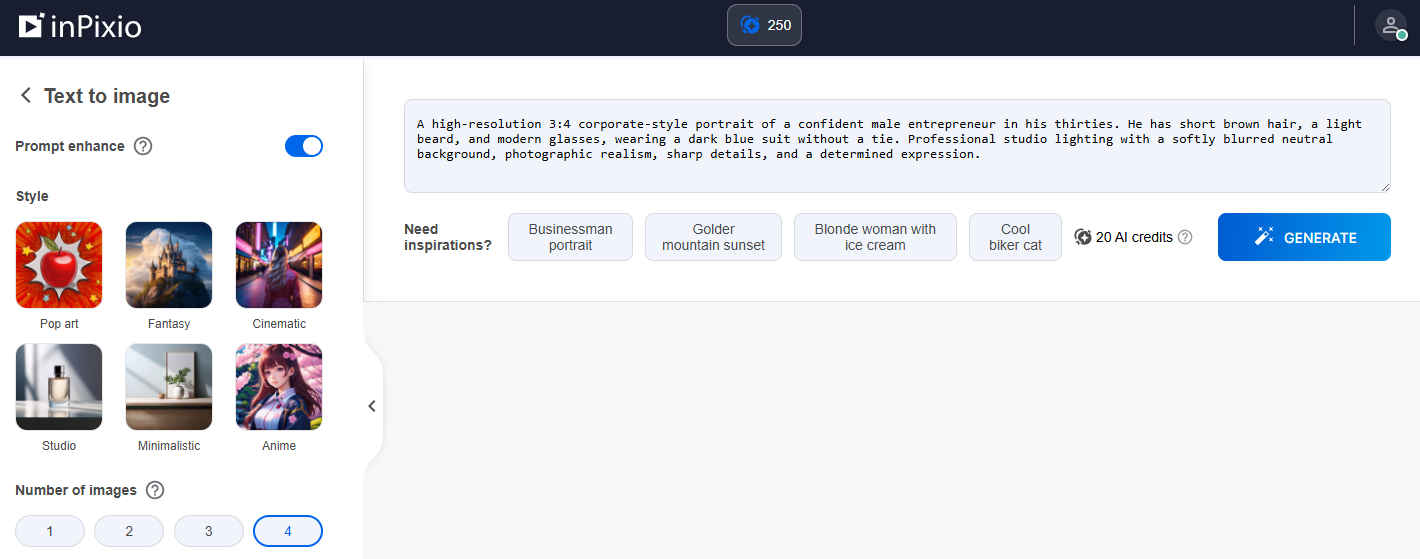
Open the inPixio Online Photo Editor Text to Image feature.
-
Type a description of the image you want to create.
-
Choose a style (or let the AI decide).
- Choose the number of images you want to create.
-
Generate and explore your results!
💡 Tips for Better Results
Want even more impressive images? Try these prompt tips:
-
Be specific: Describe details like lighting, mood, colors, or camera angle.
-
Mention a style: For example, “studio photoshoot,” “anime illustration,” “fantasy,” or “impressionism”.
-
Add context: Time of day, setting, or atmosphere can make a big difference.
We can’t wait to see what you create!
Iniciar sesión para dejar un comentario.
Comentarios
0 comentarios